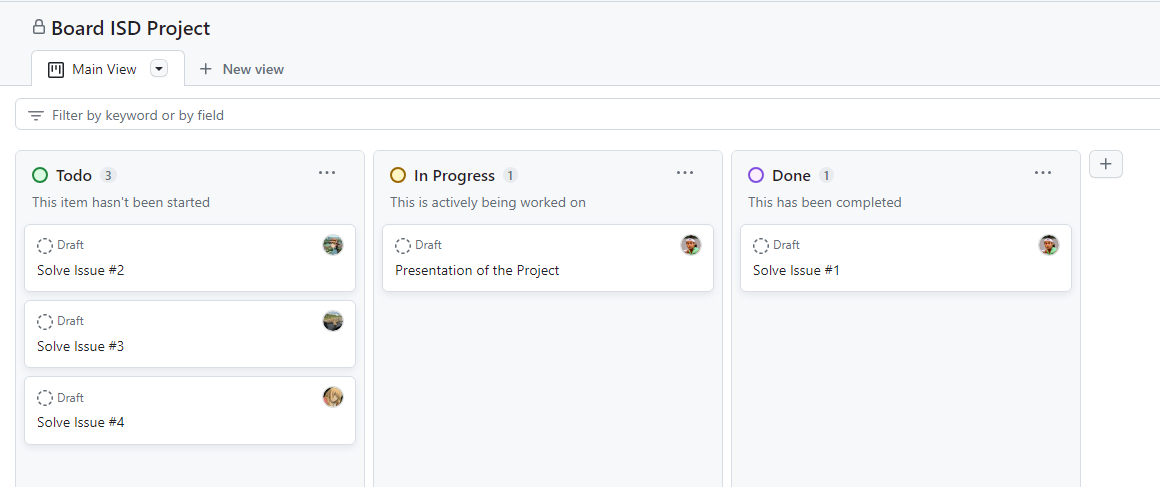
Main board
Used by the full team to track the general state of project progress.
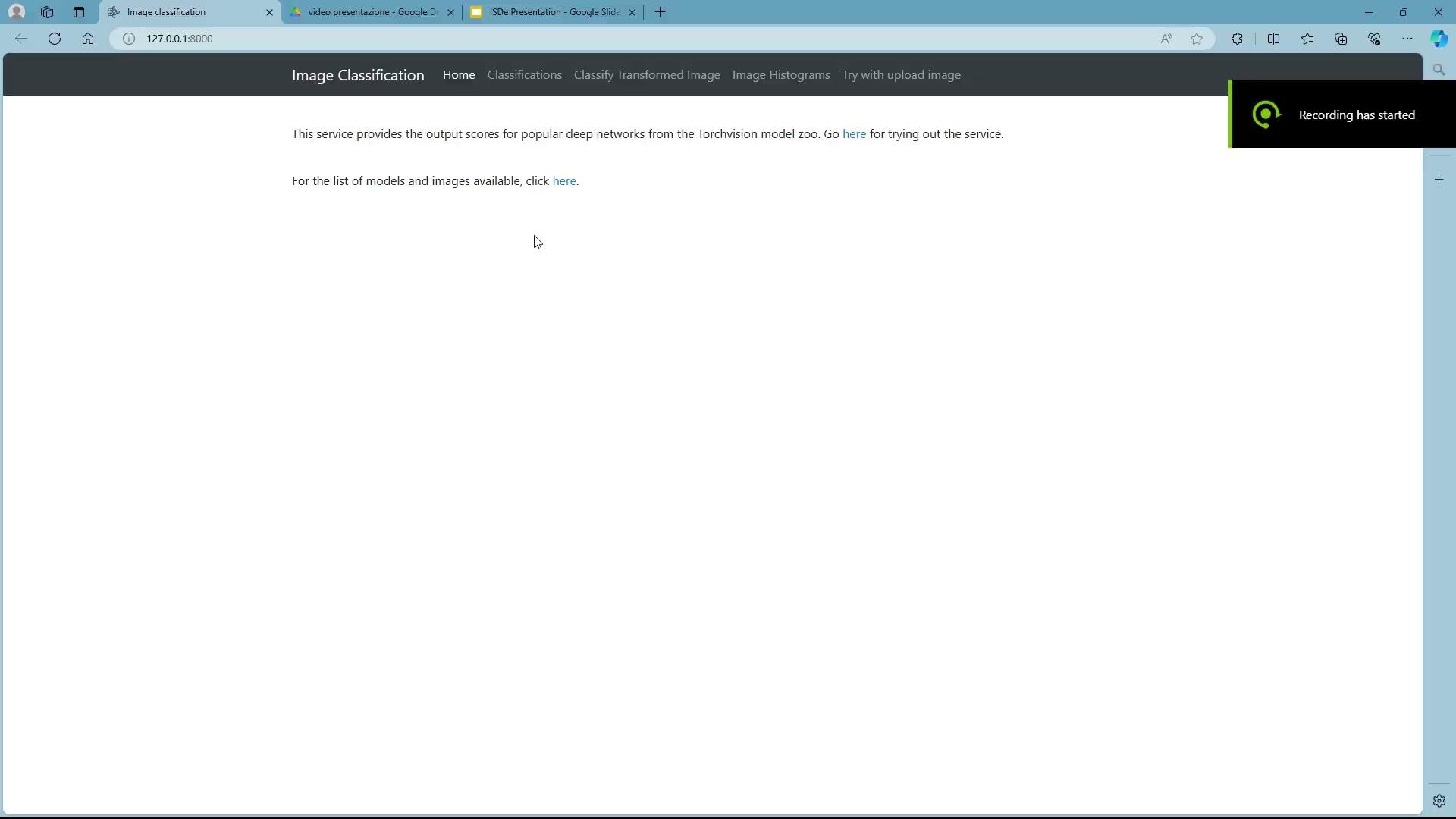
A FastAPI web server for classifying prepared and uploaded images, transforming images before inference, computing histograms, and downloading prediction outputs.
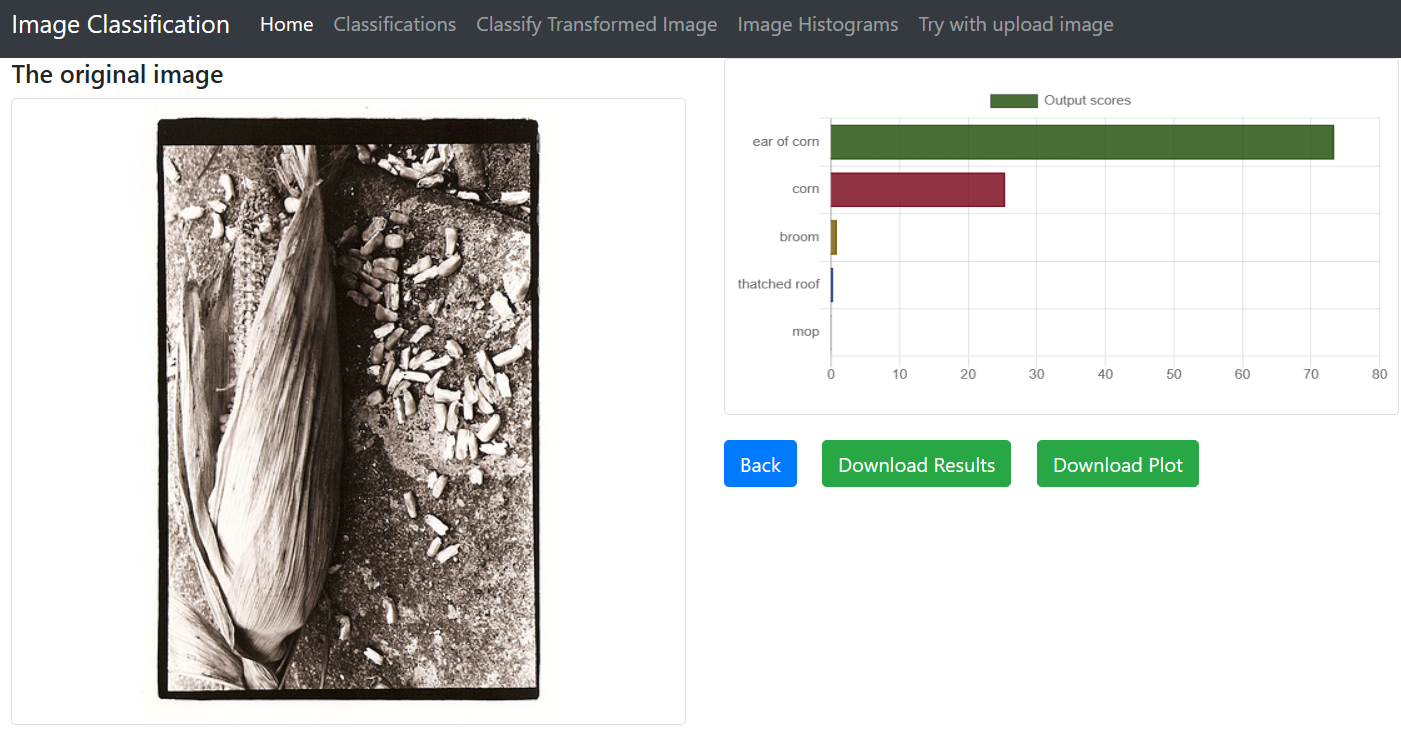
The project extends an image classification server with four delivered features: image histograms, image transformation before classification, downloadable outputs, and uploaded-image classification.
Main project board used to track issue progress.
The presentation describes a workflow based on GitHub Boards, one board per issue, one branch per issue, and pair programming for review and shared knowledge.
Used by the full team to track the general state of project progress.
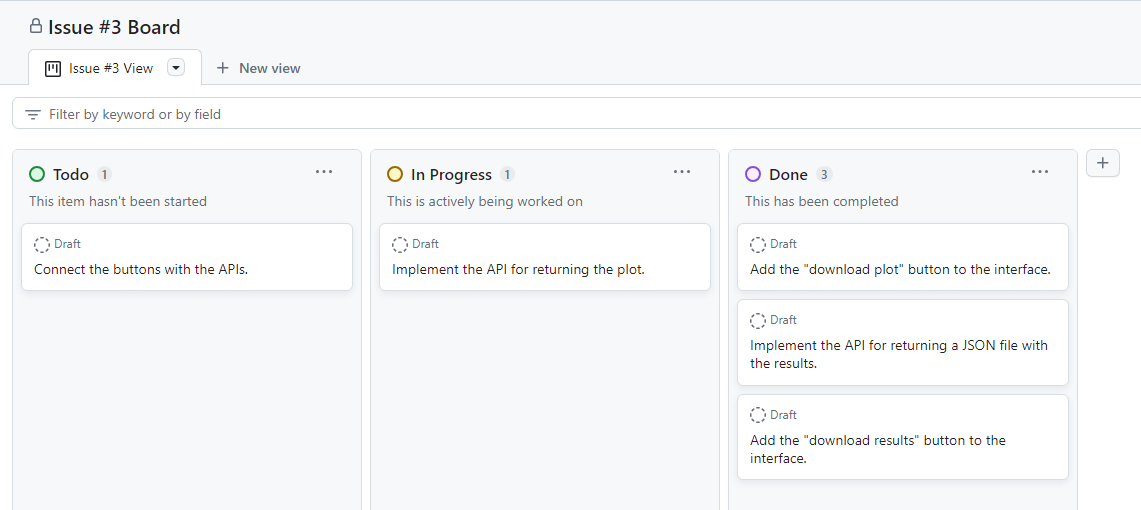
Each issue had its own board to split the work into smaller subtasks.
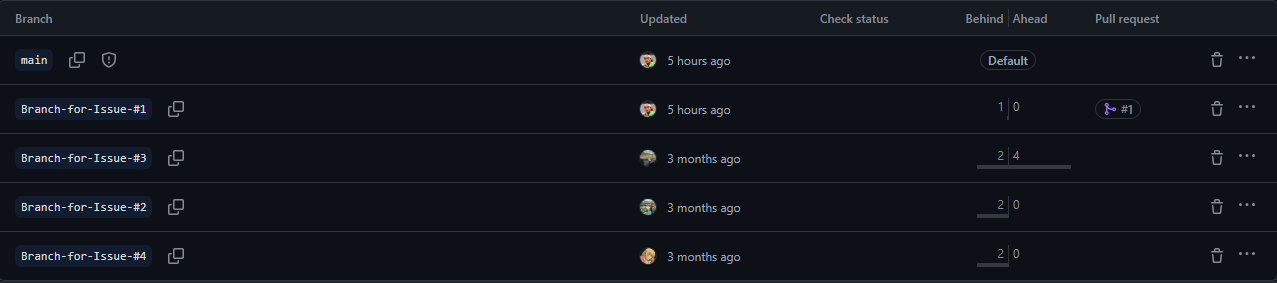
Each issue was developed on a dedicated branch.

Used for constant review and better knowledge sharing across the team.
Each issue maps to a visible app flow and to backend helpers in the repository.
OpenCV reads the image in grayscale, NumPy computes histogram bins, and Chart.js renders the histogram.
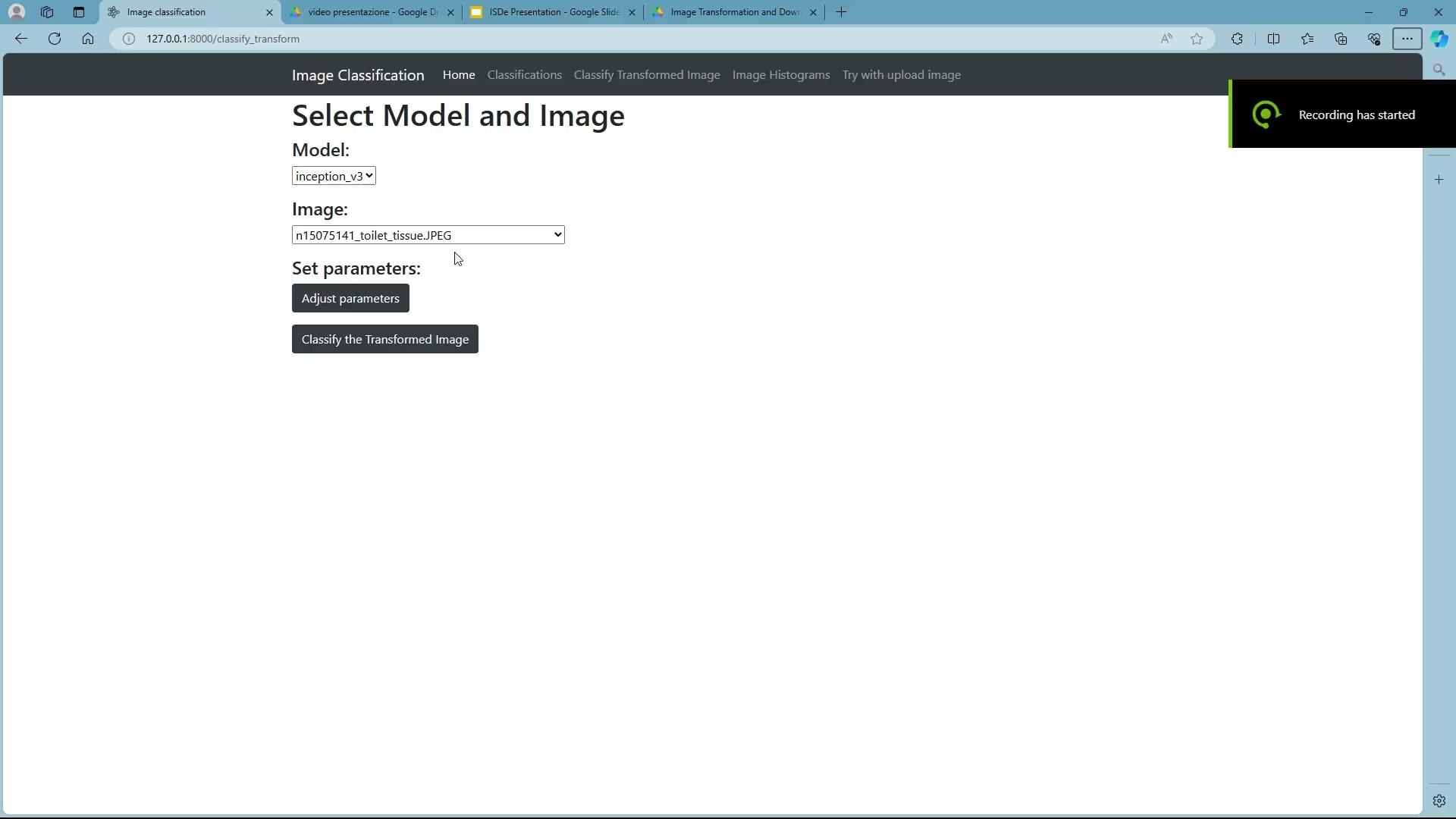
Pillow ImageEnhance adjusts color, brightness, contrast, and sharpness before classification.
The app exports prediction output through JSONResponse and StreamingResponse endpoints.
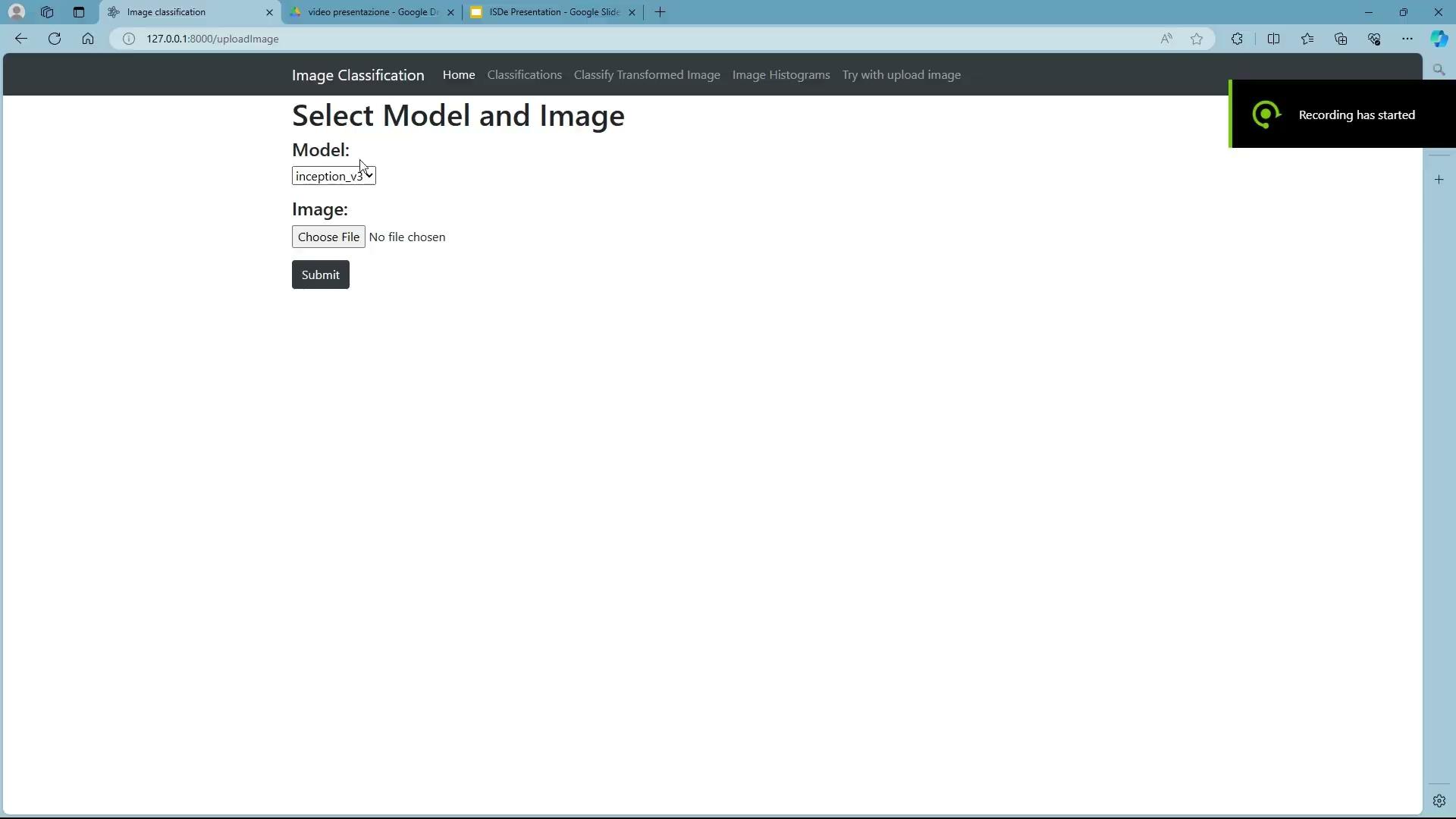
Users can upload a local image, validate it, classify it, and view the result without saving the upload.
The showcase uses screenshots from the project presentation to show the actual browser flows for histogram, transformation, upload, and download outputs.
This was a course project for Industrial Software Development, part of the MSc Computer Engineering program context at the University of Cagliari.

Facoltà di Ingegneria e Architettura
The project was developed as part of the course program in Cagliari at the Faculty of Engineering and Architecture.